Free for Mac
The Mac app YouTube Music never made.
Songtide wraps YouTube Music in a real Mac app: a native player bar, media keys and Control Center, a menu bar mini player, an equalizer, and a visualizer that moves with your music.
Free · macOS 15 Sequoia or later · Apple silicon and Intel
Everything you'd expect from a Mac music app
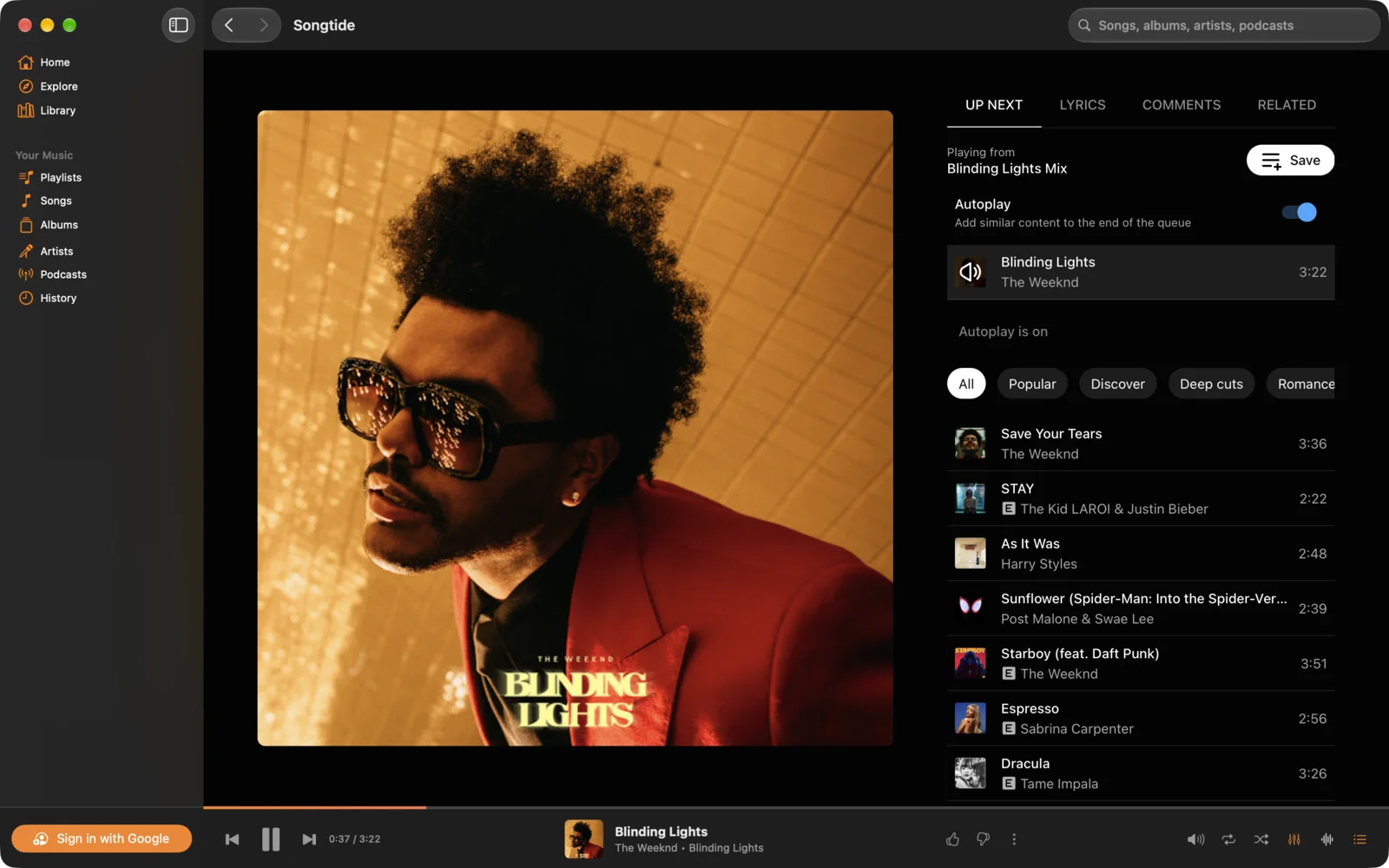
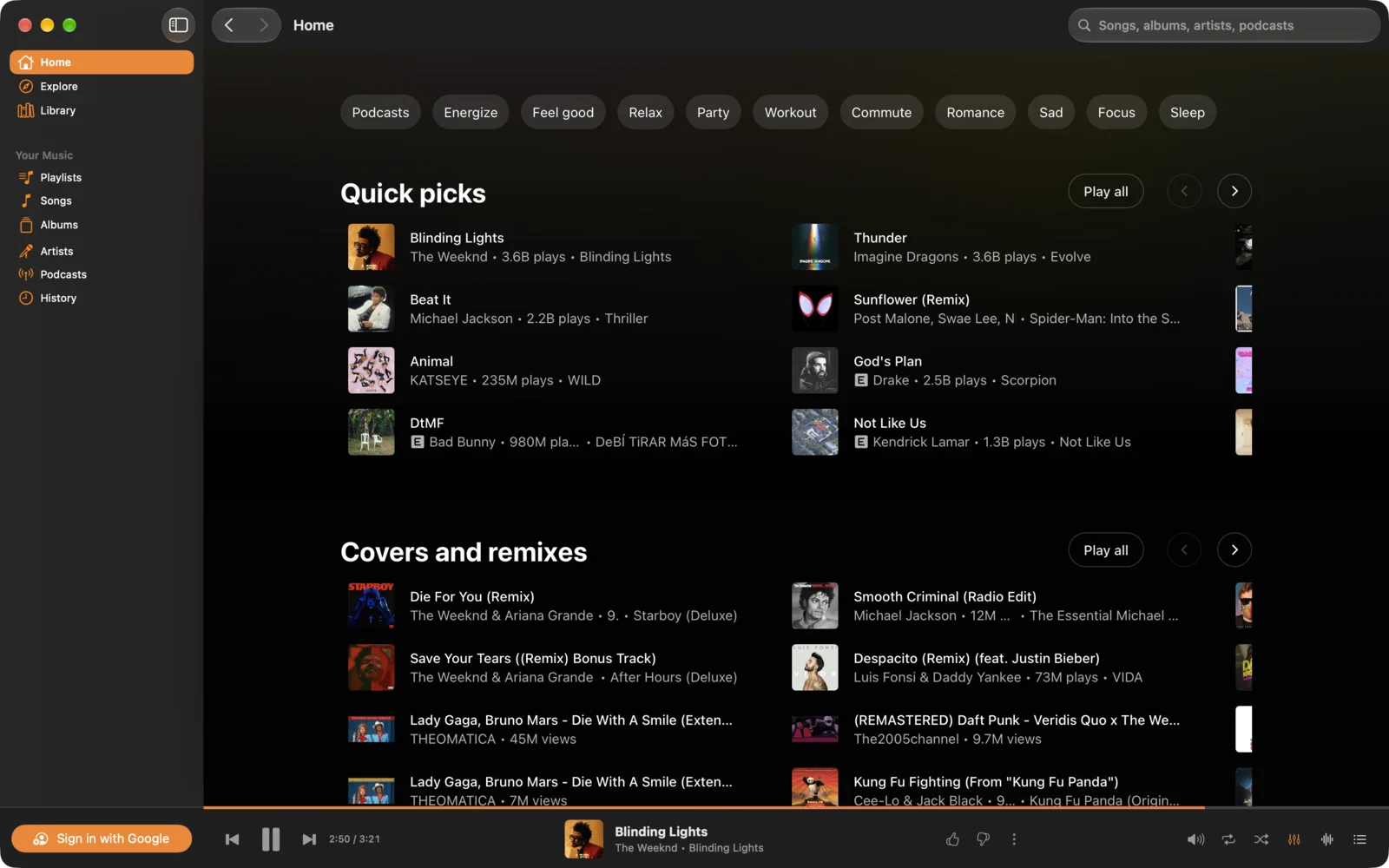
A real player bar
Play, skip, like, shuffle and repeat from a native bar. Media keys, AirPods and Control Center work too.
Menu bar mini player
Close the window and keep listening. The menu bar icon shows what's playing and the controls.
Equalizer
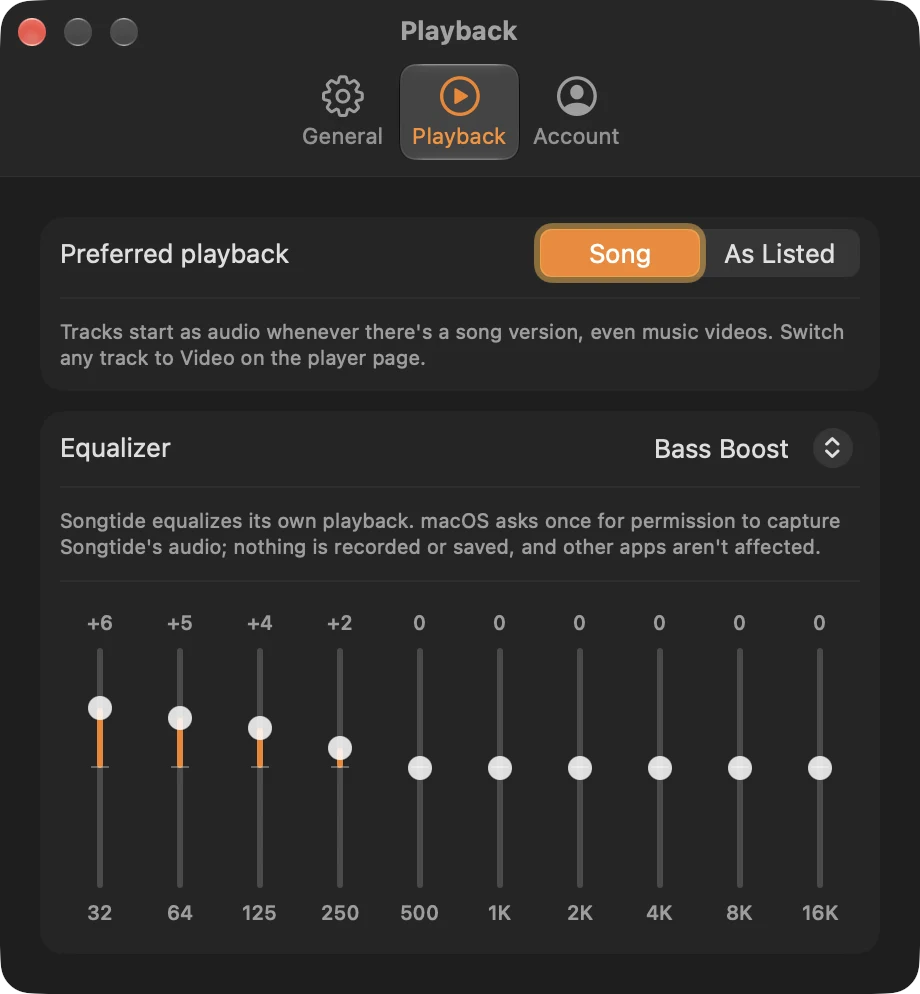
Bass Boost, Vocal, Late Night and more, or shape your own 10-band curve. It only touches Songtide's sound.
Visualizer
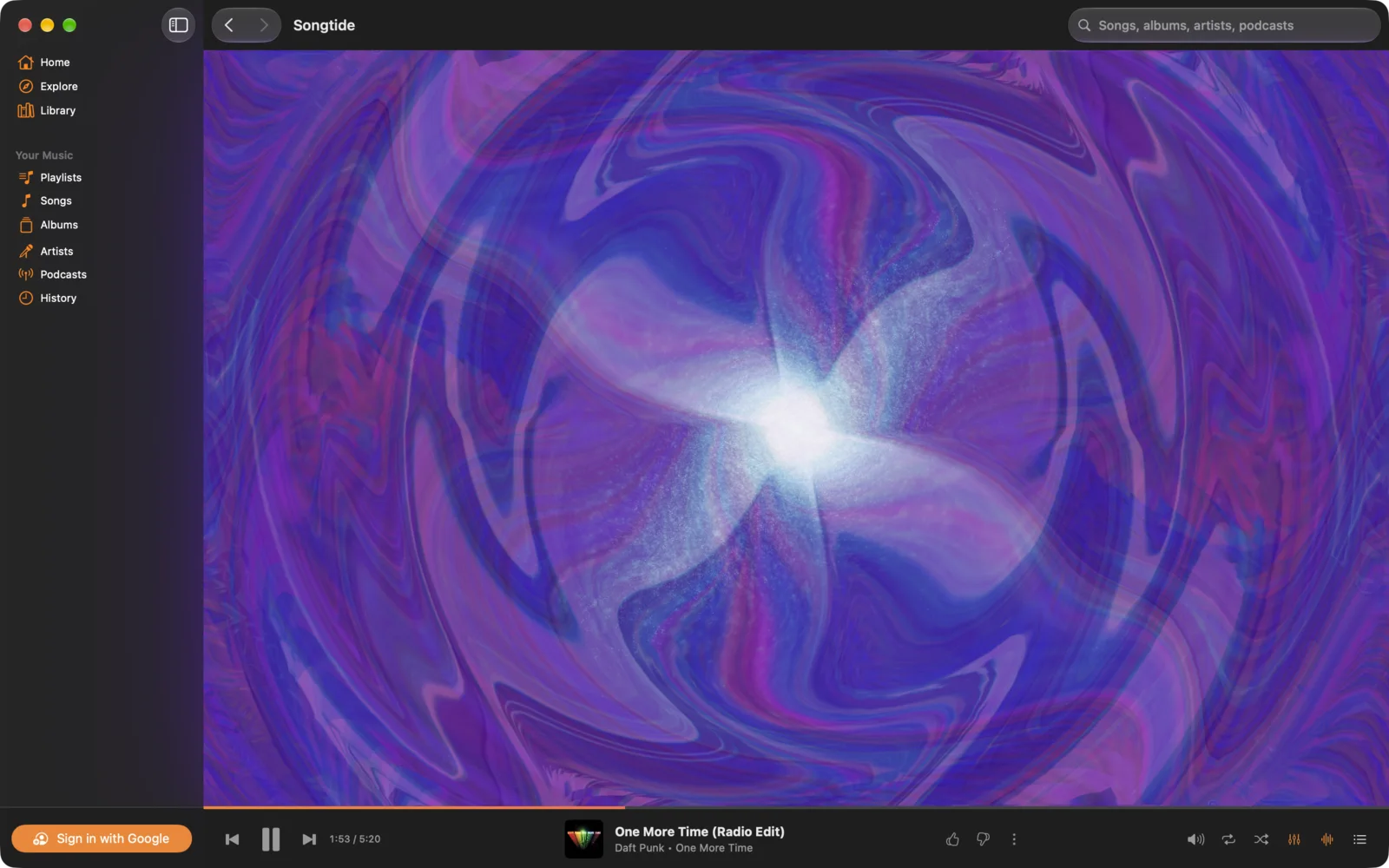
Hundreds of visuals that dance to your music, beside the page or full screen on another display.
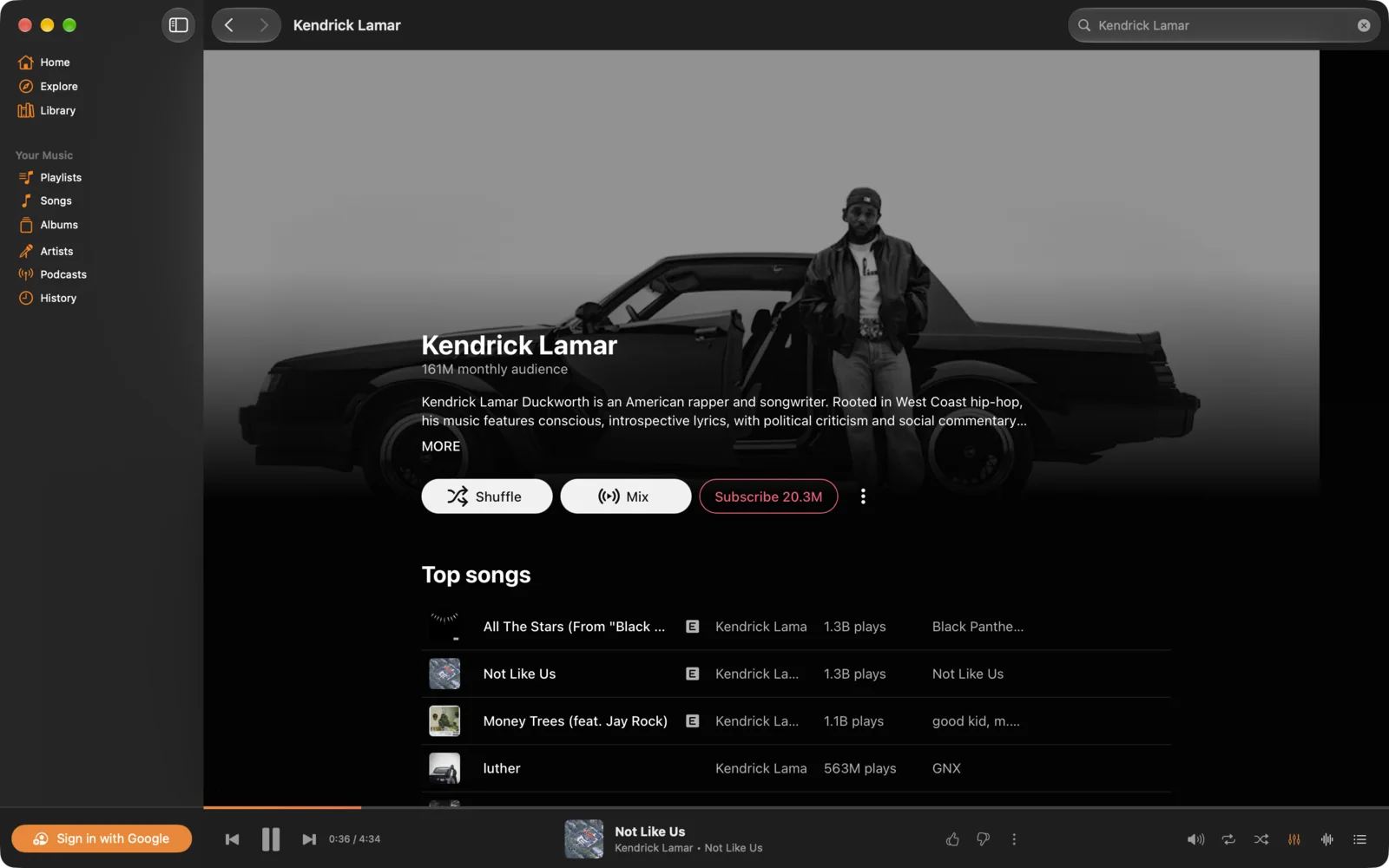
Your library in a sidebar
Home, Explore, your songs, albums, artists and playlists, one click away. It even reopens where you left off.
Songs, not videos
Prefer the song when there's also a music video, and switch any track to Video when you want it.
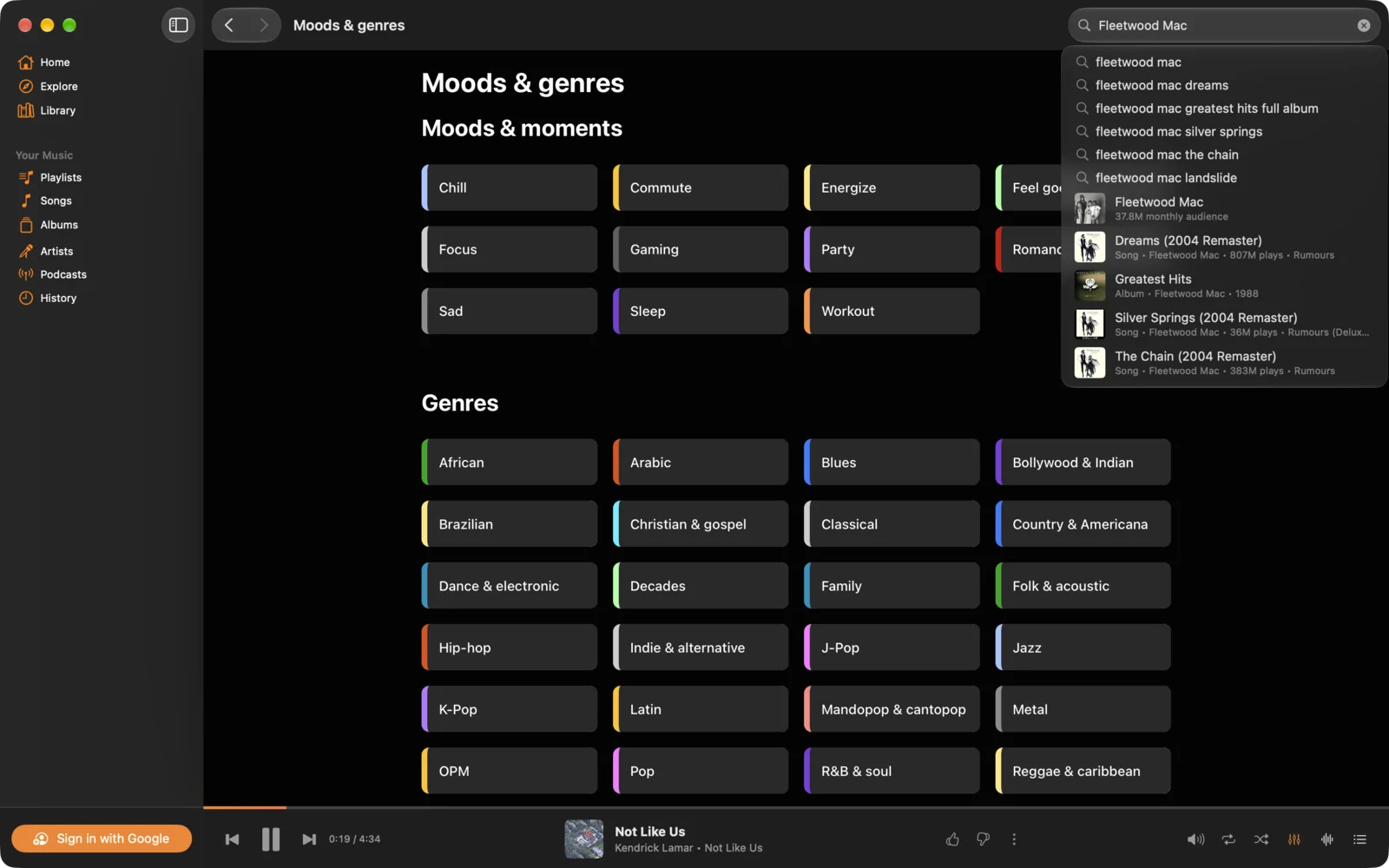
Looks like it belongs on your Mac
Watch your music move
Hundreds of visuals that dance to whatever's playing, beside Now Playing, filling the window, or full screen on another display.
Make it sound the way you like
Pick a preset like Bass Boost, Vocal or Late Night from the player bar, or shape your own 10-band curve in Settings. The equalizer only touches Songtide's sound, never other apps.
Questions
Something else? Email songtide@dcoded.dev and the person who builds Songtide will answer.
Is it free?
Yes. Download it and use it; there's nothing to buy.
Do I need YouTube Music Premium?
No. Sign in with any Google account. Without Premium you'll hear YouTube's ads, just as you would in a browser.
How do updates work?
Automatically. Songtide checks once a day, downloads new versions in the background and installs them the next time you quit. Every update is signed, so only real Songtide updates are accepted. You can also choose Songtide › Check for Updates, or turn automatic updates off in Settings.
Why does the equalizer ask to capture audio?
To shape or visualize the sound, Songtide captures its own playback, never other apps or your microphone. Nothing is recorded or saved. macOS asks once, the first time you turn the equalizer or visualizer on.
Does Songtide see my Google password?
No. You sign in directly with Google, in the same page you'd use in a browser.
Which Macs does it run on?
Any Mac with macOS 15 Sequoia or later, Apple silicon or Intel.